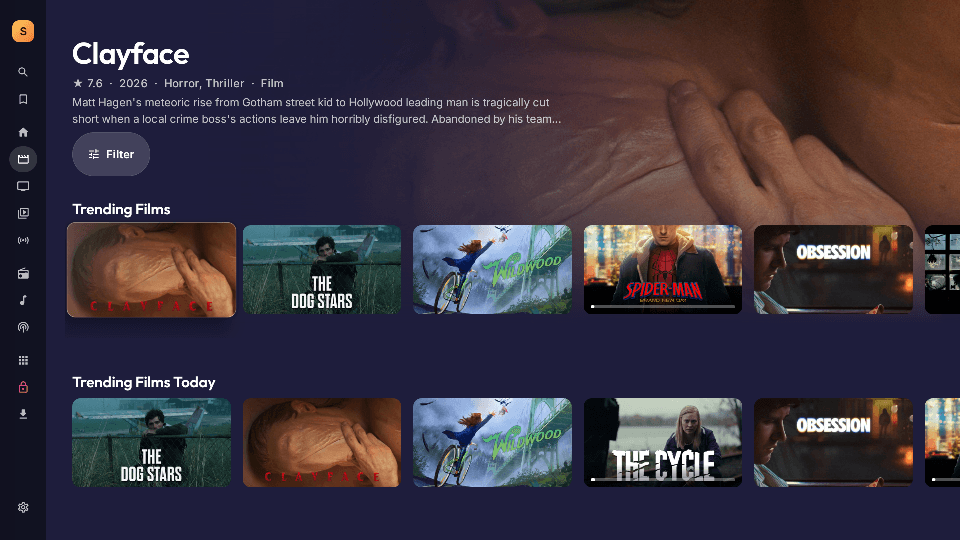
Films and series, beautifully arranged
Every source lands in one library with posters, trailers and ratings. Rows follow what you like, and a trailer starts when you rest on a title.
- Continue watching
- Recommended for you
- Trailers
MediaProxy gathers public broadcasters, live TV, radio, podcasts, music and your own files into one place. A small server at home or in the cloud does the work; the app plays it on your TV, phone and computer.
Free for one person. Your server, your accounts, no sign-up with us.
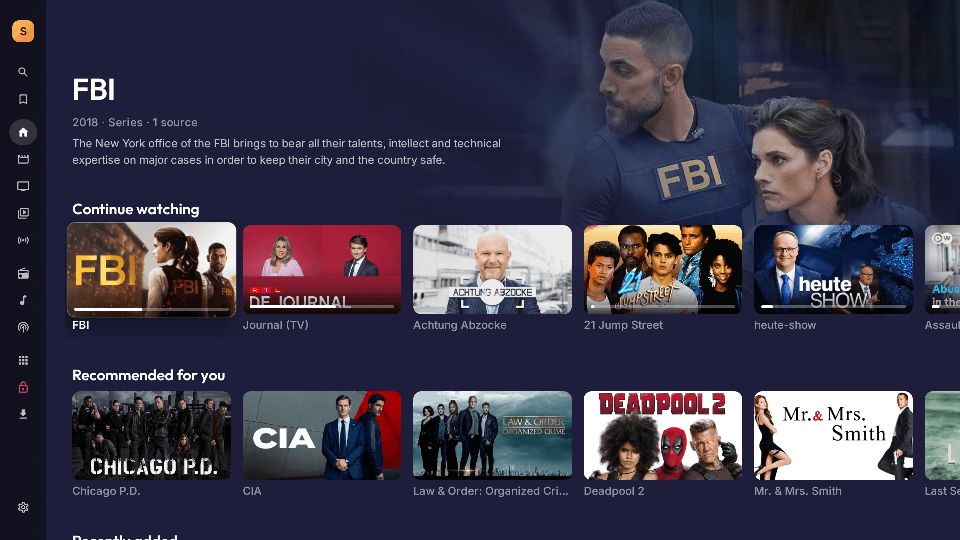
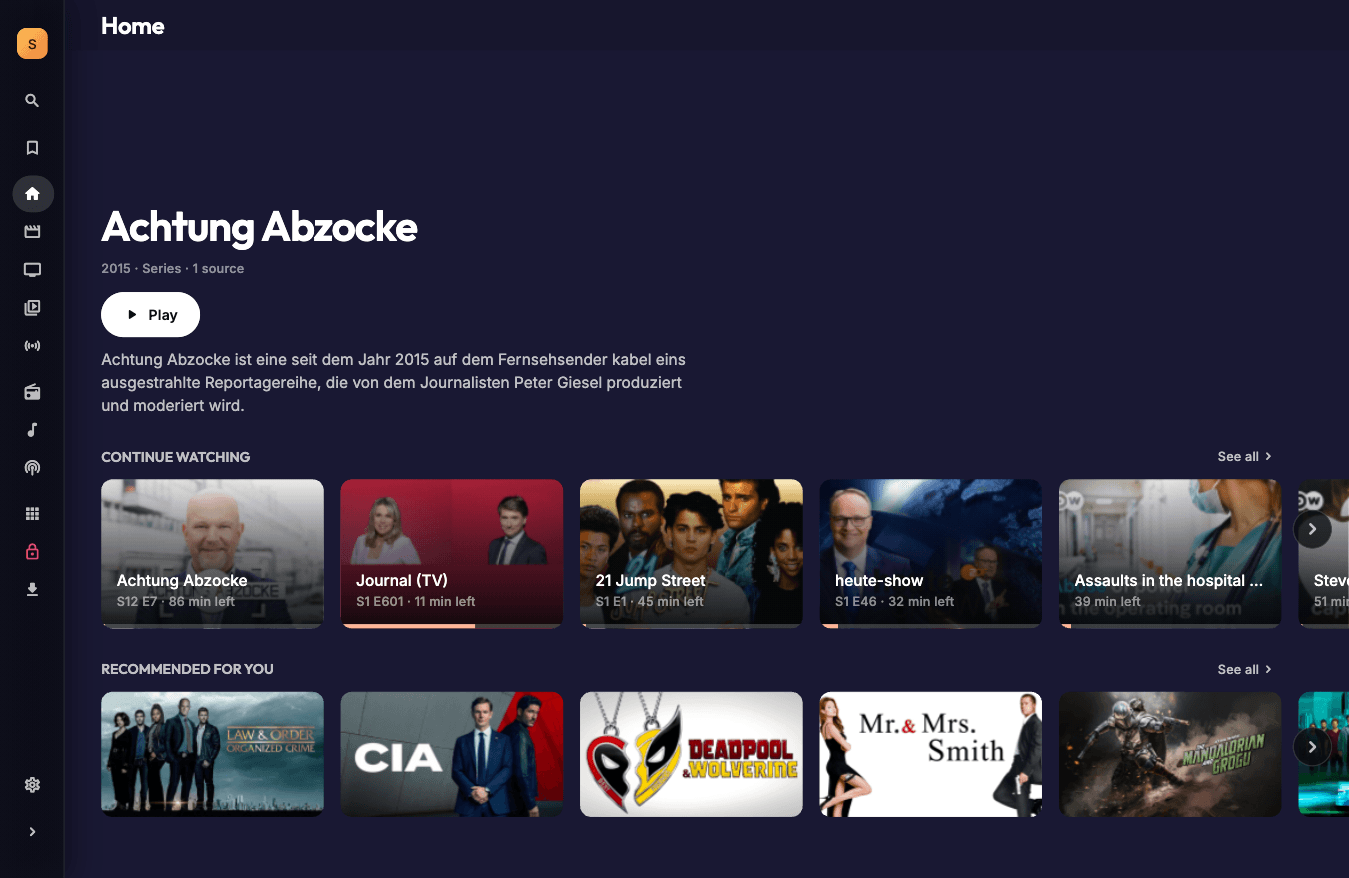
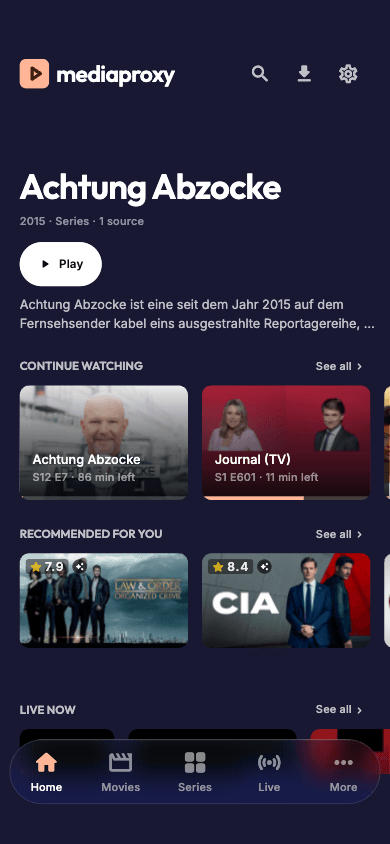
Everything arrives with posters, descriptions and a programme guide, sorted the same way whichever source it came from.
More than 60 built-in sources: public broadcasters from eight European countries, free archives and 4,300 radio stations. Paid services work with your own subscription.
Broadcaster libraries, Free streaming services, Paid streaming services (with your subscription), Public-domain films
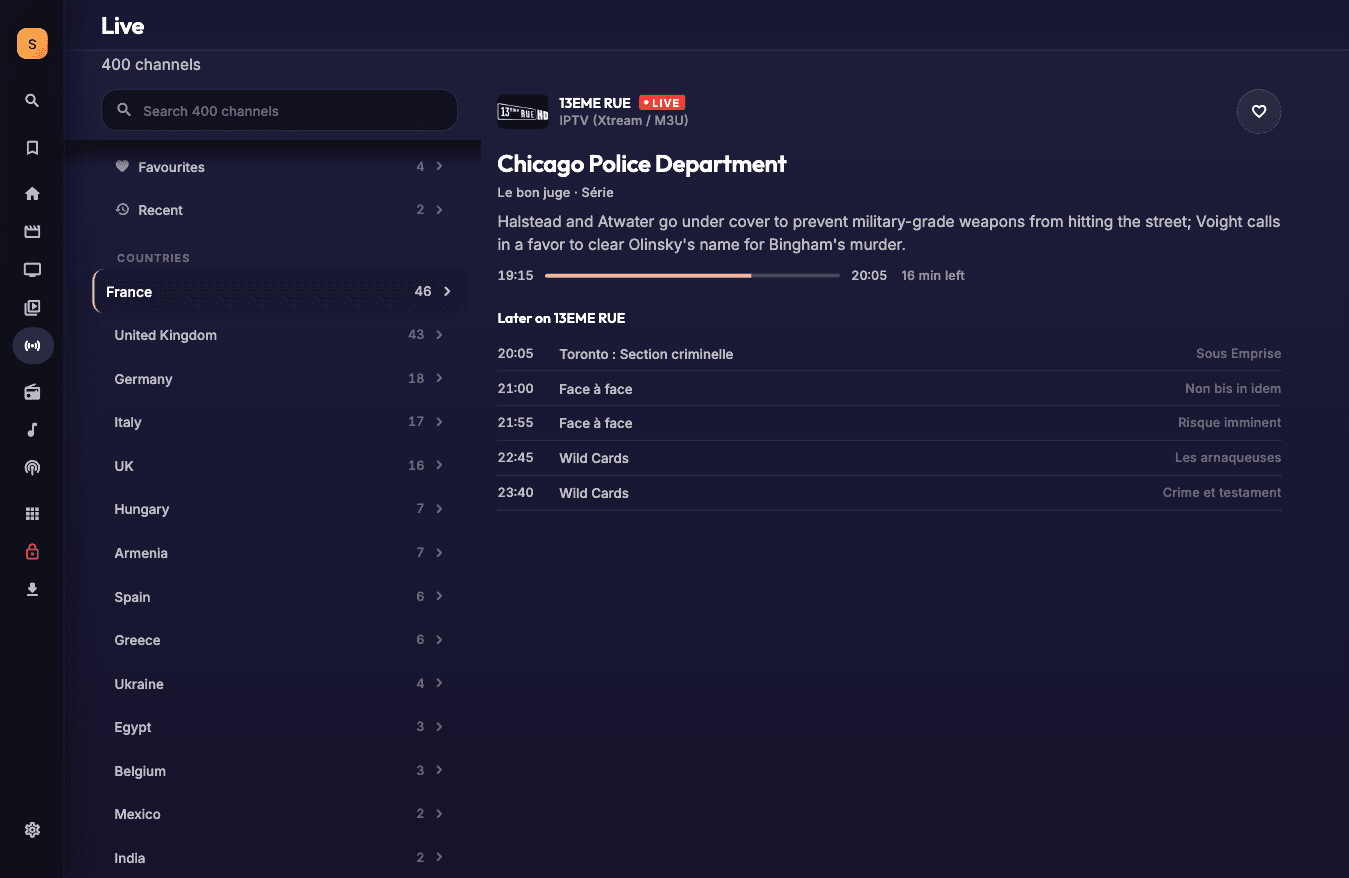
Public TV channels, Free ad-supported channels, News channels, Sport events, Your IPTV playlists
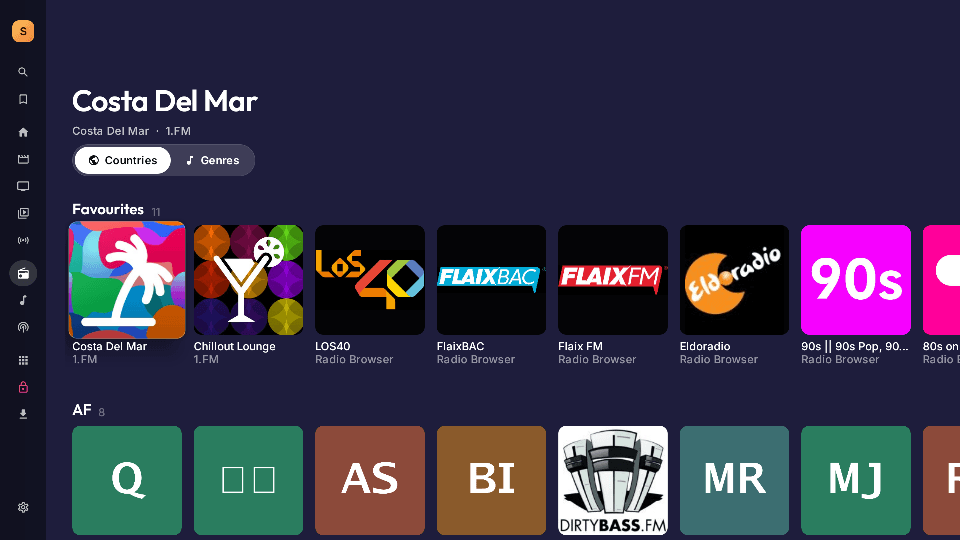
4,300 stations, Hi-fi & lossless stations, Public radio, Now-playing songs
Documentaries, Science & space, Conference talks, Film archives
Your music library, Any podcast feed, Public-domain audiobooks, Creative Commons music
Video channels you follow, Self-hosted video, Self-hosted live streams
Films & series on disk, Music folders, Photos for the screensaver
Adult sources behind a PIN, Hidden from Home, search and recommendations
Plus anything the community publishes as an add-on.
Free and openly licensed sources are built in. Turn on the ones you want in the web admin.
One server feeds every screen in the house, and your phone when you are out.
Sources
Your server
NAS, Pi or cloud
Your screens
Start it with Docker on a NAS, a Raspberry Pi, a home computer or a small cloud server.
Pick the broadcasters, radio and feeds you want in the web admin. The server fetches their catalogues and matches every title to TMDB.
The app finds your server on the home network. On a TV, scan a QR code with your phone instead of typing.
The app was designed for a TV remote and works just as well with touch, mouse and keyboard.
Every source lands in one library with posters, trailers and ratings. Rows follow what you like, and a trailer starts when you rest on a title.
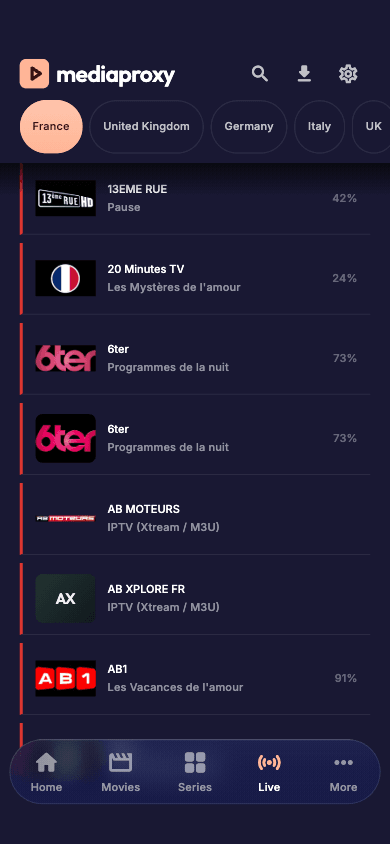
See what is on now and next, zap with the remote, and keep your favourite channels at the top. Channels from several sources merge into one list.
Browse 4,300 stations by country or genre, see the song that is playing, and keep listening while you browse.
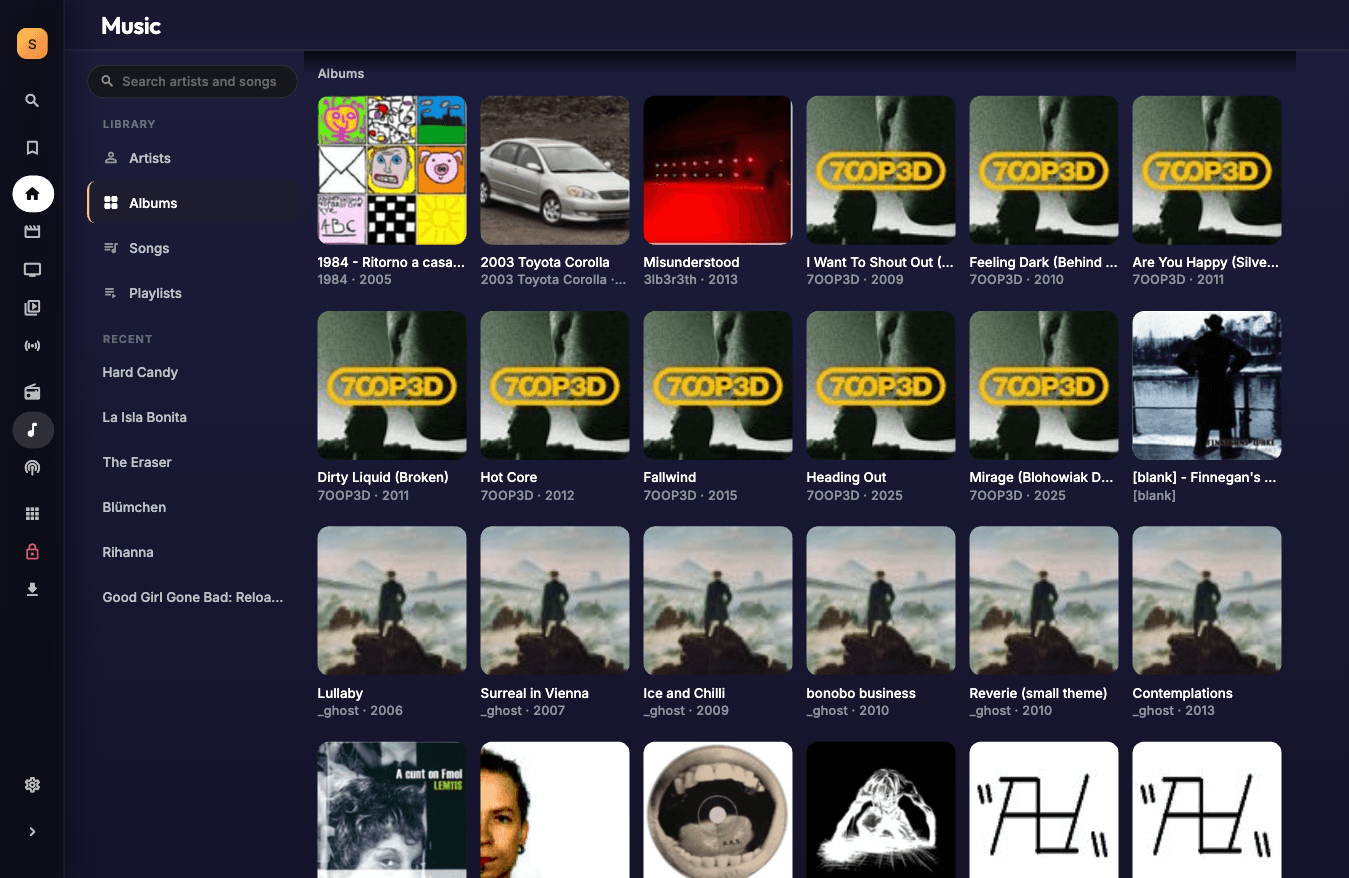
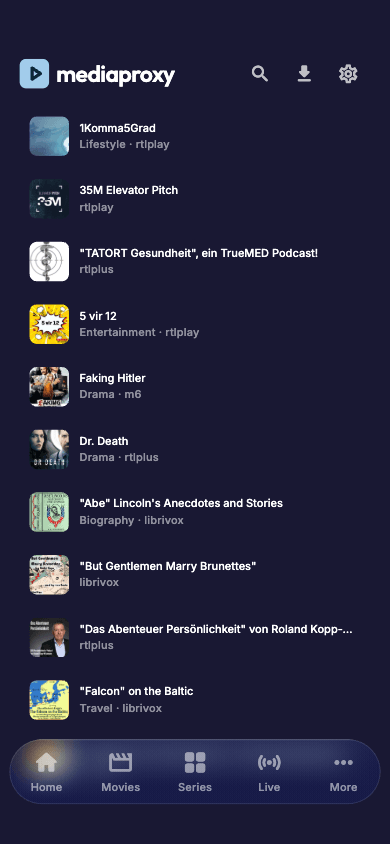
Artists, albums and playlists from your own library sit next to every podcast you follow. Download episodes for the road.
Your library answers instantly, then each source adds its results.
See resolution, HDR, Dolby Atmos and audio languages for each version.
Watch offline. Progress syncs when you are back online.
Send playback from your phone to Chromecast and Google TV.
One app with the same library, favourites and progress everywhere.
Beta on TestFlight
APK now, Google Play soon
Available as APK
Beta
Coming to the Microsoft Store
Open in your browser
Linux builds from source today.
Run it once and manage everything from a web admin. Nobody else sees what you watch.
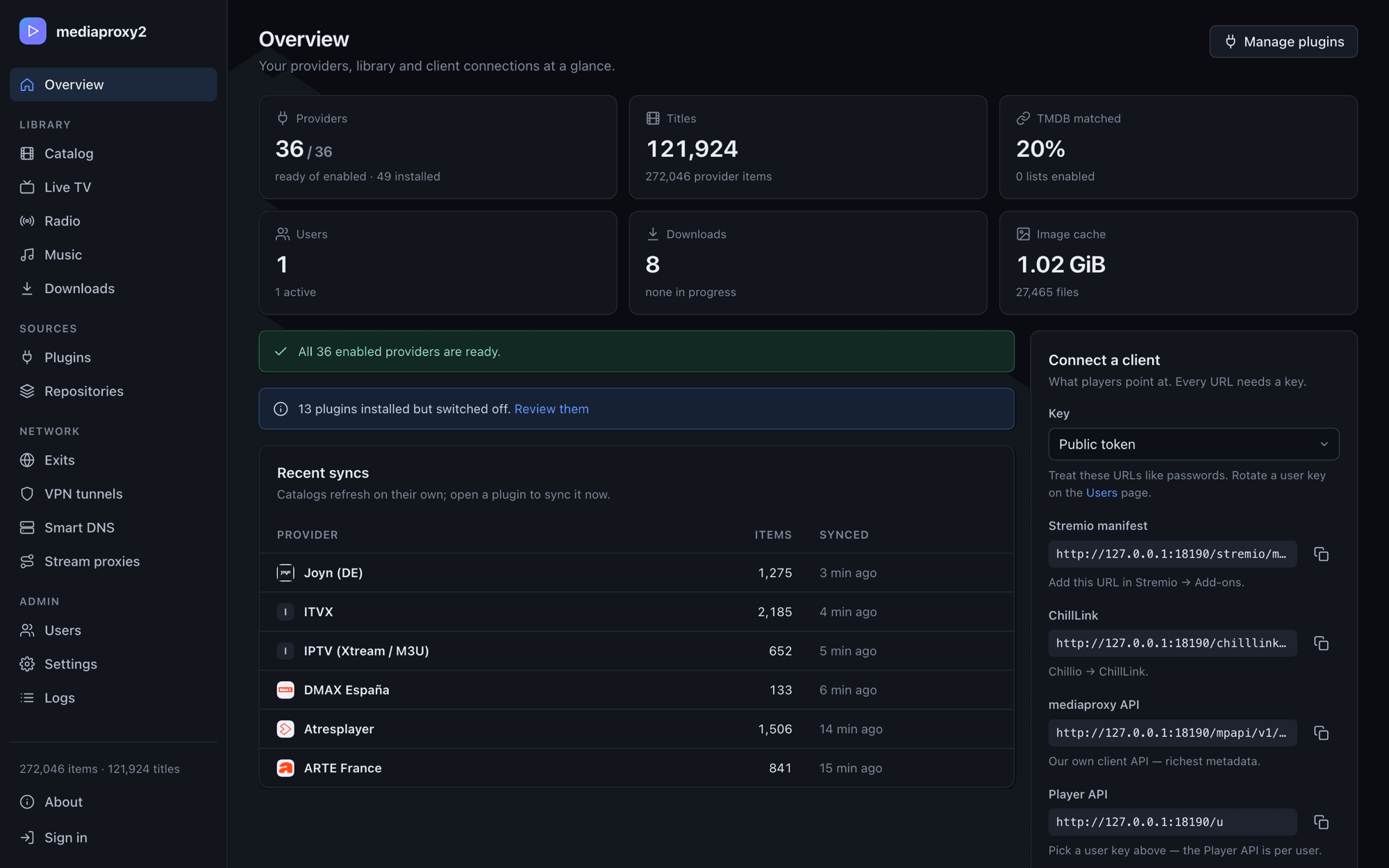
Add-ons are plugins published by other people. They can bring services we don't support ourselves, as well as VPN and DNS options.
Paste a repository address in the web admin, then filter its plugins by country, language and type.
Your server remembers each repository's signing key, verifies every download and refuses a key that changes.
If an update fails to start, the previous version comes back automatically.
Add-ons are made by their publishers, not by us. They run on your server, so only add repositories you trust, and make sure you are allowed to use the services they connect to.
You need Docker and a free TMDB API key, or no key at all once you pay for an extra account.
1Add your domain and TMDB key
cp deploy/.env.example deploy/.env2Start the server
docker compose -f deploy/docker-compose.yml up -d3Open the web admin and turn on sources
http://your-server:8080Yes. The apps play what your MediaProxy server provides. A Raspberry Pi, a NAS or a small cloud server is enough for a household.
Every feature is free for one account on your server. Each additional account costs €10 a year, so a family of four pays €30 a year. Paid streaming services still need your own subscription with them.
The built-in sources cover public broadcasters, free archives, radio, podcasts and your own files. Community add-ons can add more.
Yes. Each person gets an account with their own favourites, progress and recommendations, on any number of devices.
Yes. Paid accounts include a private cloud address that reaches your server at home without any router setup. You can also connect your own domain.
Yes. The server also works as a Stremio add-on and as a Chillio source, and can export a library to Jellyfin.
It stays on your server. There is no MediaProxy account and nothing is sent to us.
Set up the server tonight, and watch on every screen tomorrow.